

Write SQL queries spanning all blockchains offered by Allium. Query raw blockchain data for full flexibility, or leverage abstracted data models to quickly access the data you need (e.g.,Documentation Index
Fetch the complete documentation index at: https://docs.allium.so/llms.txt
Use this file to discover all available pages before exploring further.
crosschain.dex.trades and crosschain.stablecoin.transfers).
Create a New Query
Navigate to app.allium.so/analyze/queries and click New.
Write Your SQL Query
Enter your SQL query in the editor. Here’s an example that fetches DEX USD volume for Ethereum, Base, and Solana over the last 10 days:
Execute and View Results
Click Run to execute the query. Results appear in table format: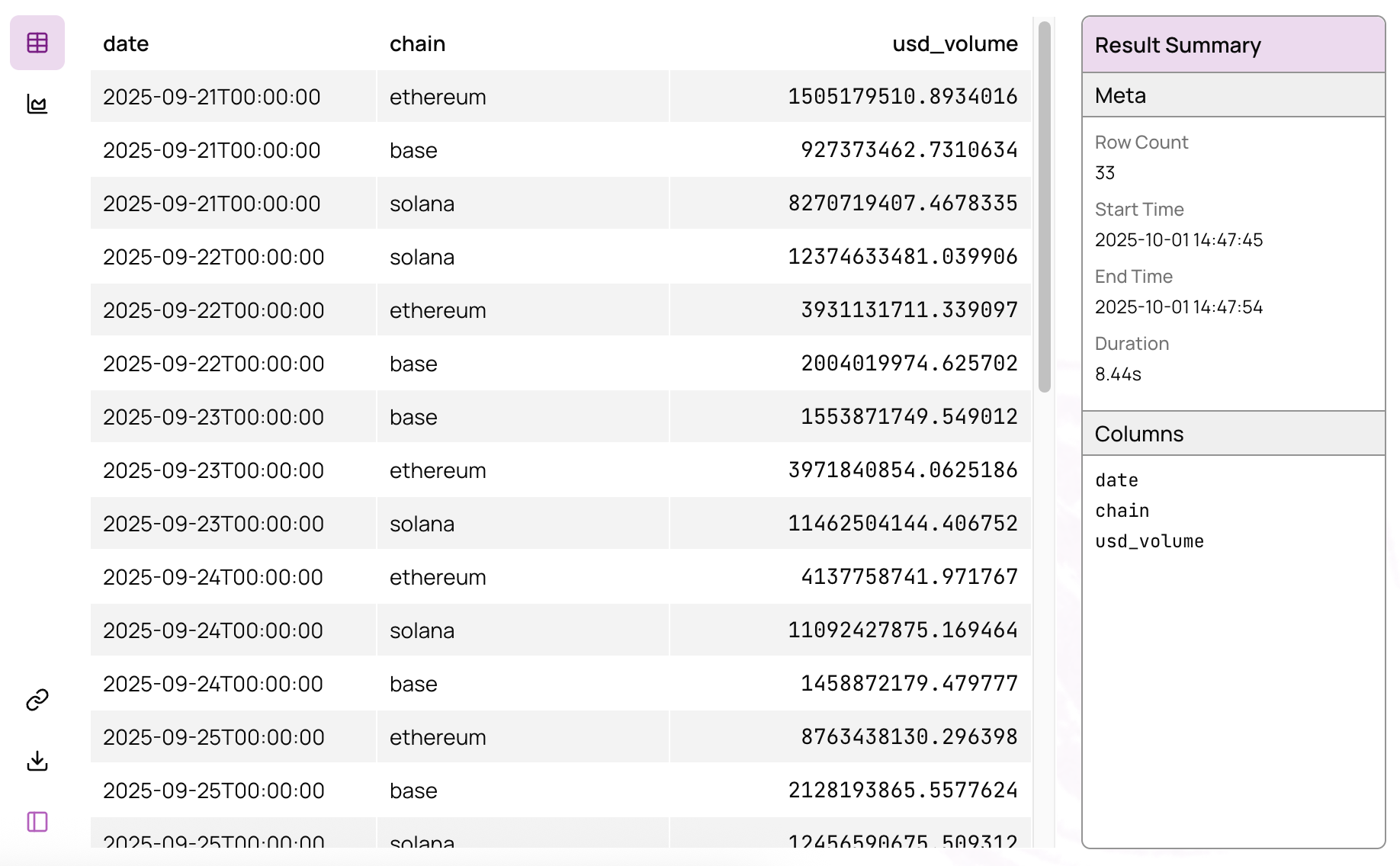
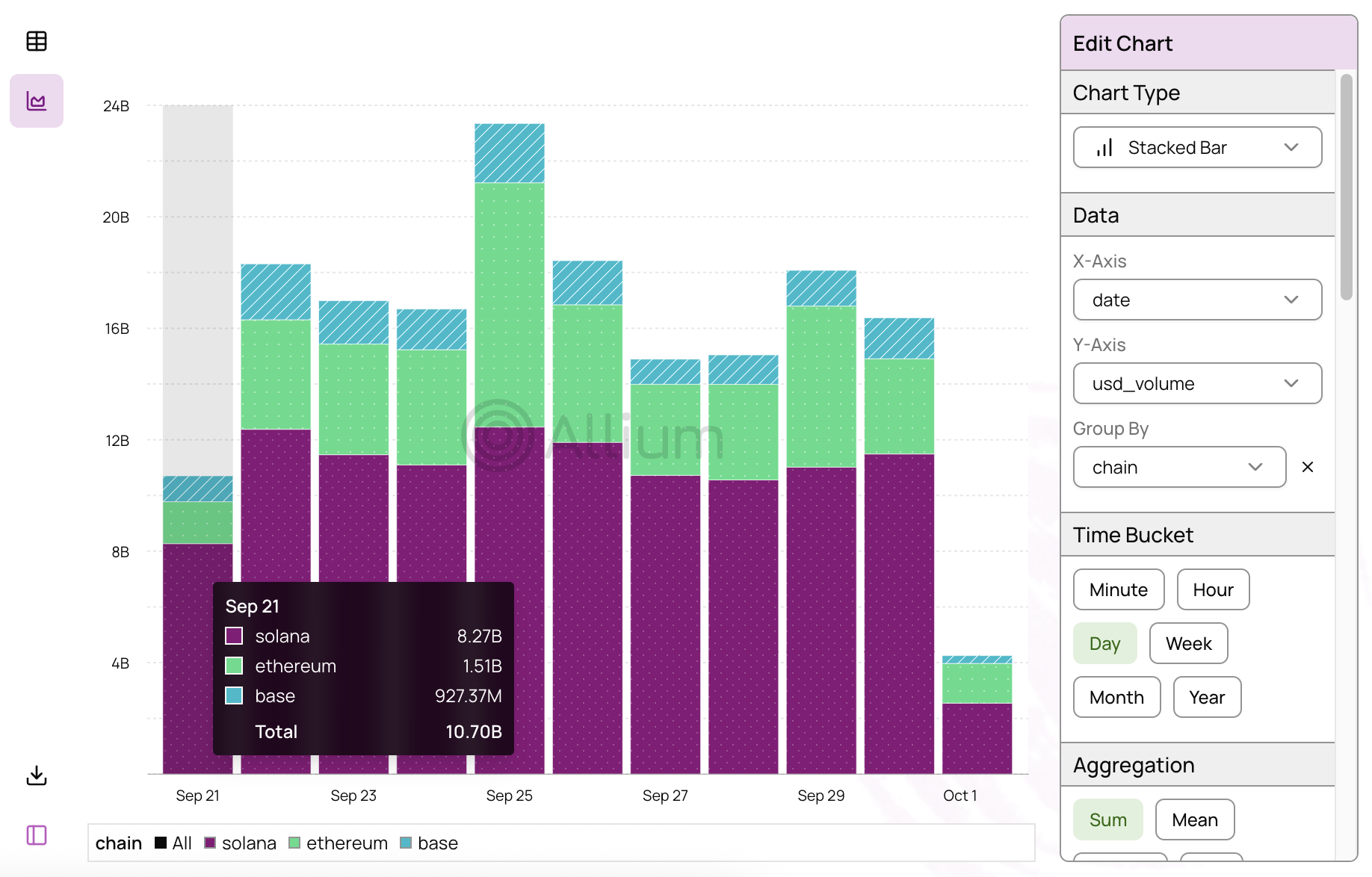
Learn more about charting options in the Visualize Results guide.
Next Steps
Parameterized Queries
Create reusable queries with configurable parameters
Query Previous Results
Build on top of completed query runs
Explorer API
Execute queries programmatically via REST endpoints
Visualize Results
Create charts and visualizations from query results