

A Beam pipeline has three components that data flows through in order:Documentation Index
Fetch the complete documentation index at: https://docs.allium.so/llms.txt
Use this file to discover all available pages before exploring further.
Source
Select a blockchain and entity type to stream. Enable zerolag to stream from the tip of the chain before finality (lower latency, may include reorged data). To see supported chains and entities, open the Beam page, click New, select the Source node, and expand the chain and entity dropdowns. If the chain or entity you need is not listed there, check the Datastreams catalog and contact support@allium.so to check if it can be supported.Transforms
Two transform types are available. You can chain multiple transforms together — data flows through them in order.Set filter
Filter data by matching field values against a set. Only records whose extracted field value exists in your set pass through. Sets can hold 10M+ values. Bloblangfilter_expr examples:
Managing filter values
Filter values are managed separately from the pipeline config — add, remove, replace, and browse values through the UI or the filter values API. This decouples value management from pipeline configuration and allows sets to scale to millions of entries. In the UI, click Edit on a set filter node to open the filter set editor.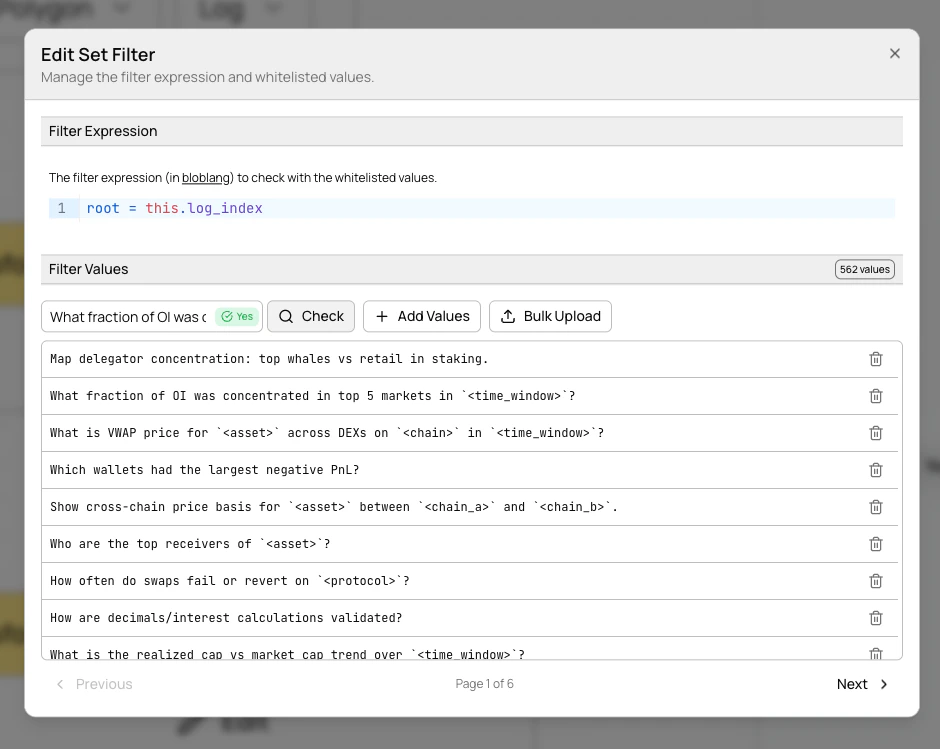
- Browse values with paginated navigation (100 per page)
- Add individual values via the text input
- Remove values with the trash icon
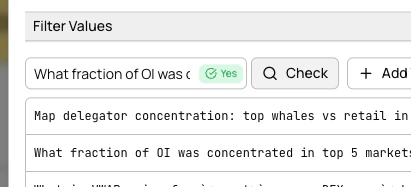
- Check membership by entering a value and seeing an instant result indicator
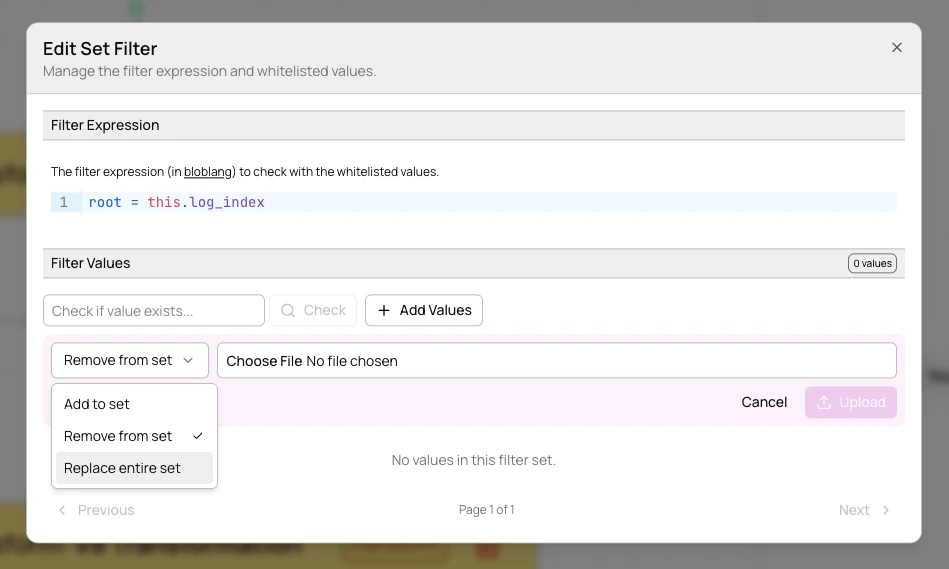
- Bulk upload from
.txtor.csvfiles with add, remove, or replace modes
JavaScript (v8)
Transform data using JavaScript. Your function receives each record and can modify, enrich, or reshape it. Returnnull to drop a record.
Example — add a transfer size tag:
Sinks
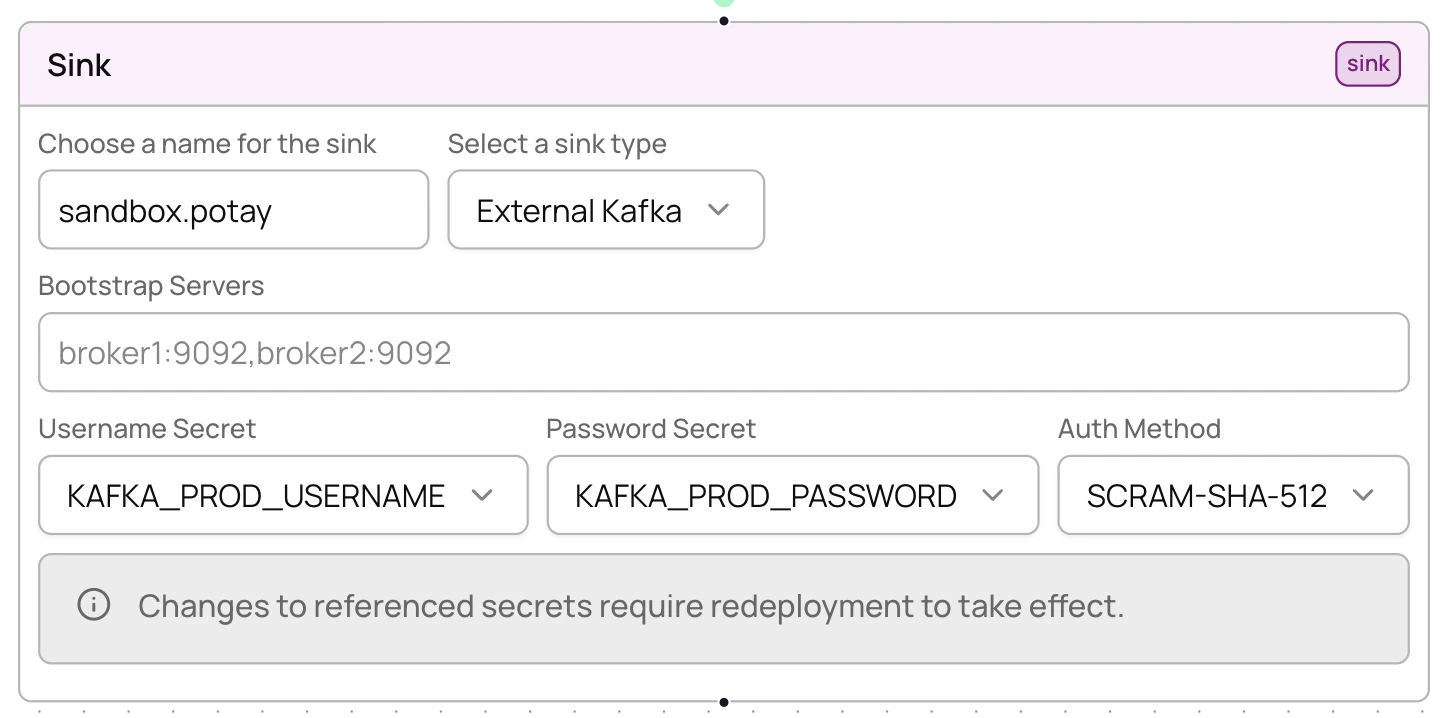
Sinks define where your processed data is delivered. Four sink types are available: Kafka, SNS, External Kafka, and Webhook. For full field reference and configuration details for each sink type, see the API configuration reference.External Kafka sinks
Deliver data to your own Kafka cluster instead of Allium-managed infrastructure.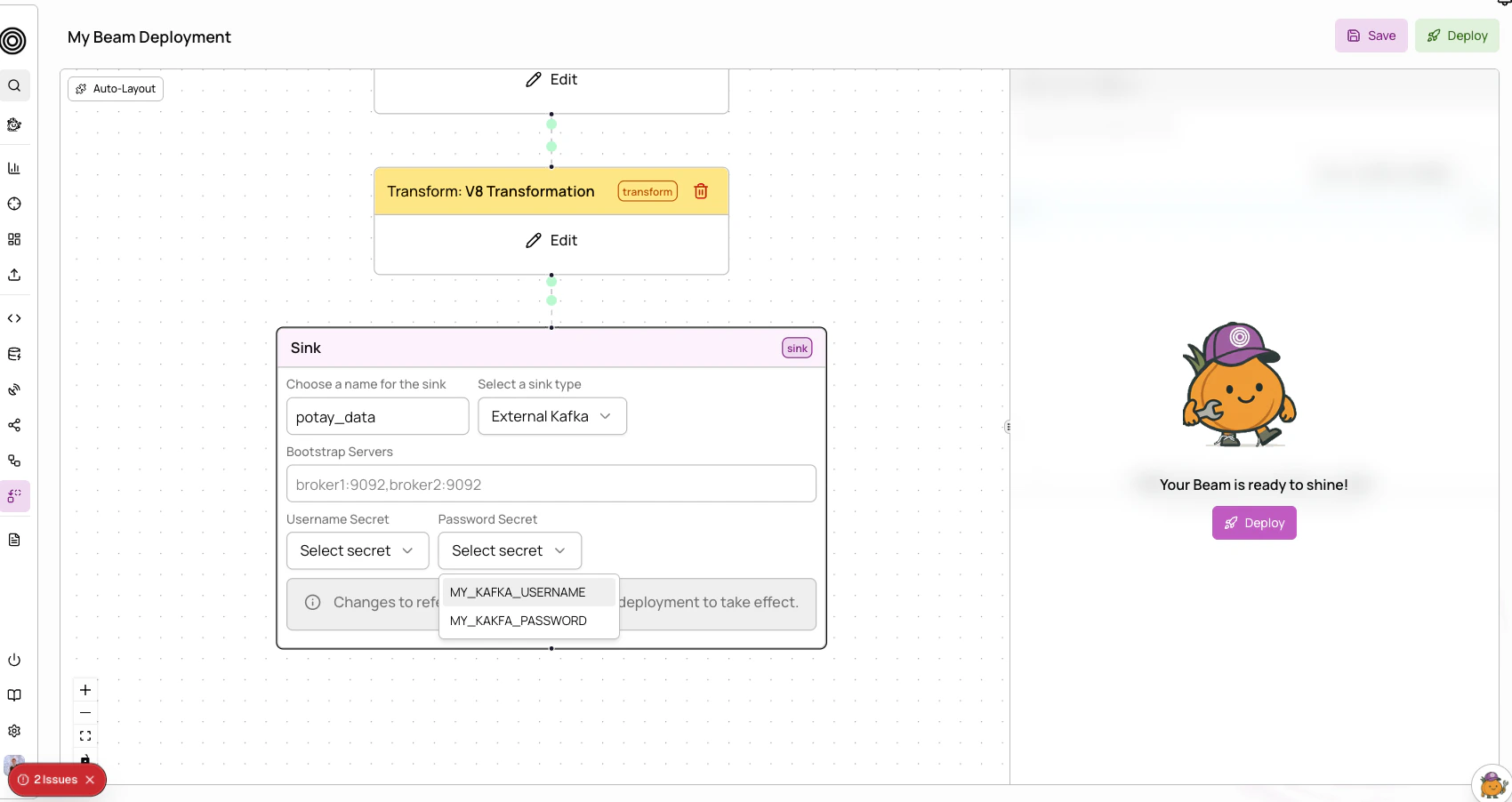
Webhook sinks
Deliver data to an HTTPS endpoint. Beam pushes each record as a POST request to your URL.More sinks coming soon: Pub/Sub, ClickHouse, Postgres, GCS, NATS, RabbitMQ. Contact support@allium.so if you need a specific sink type.
Best practices
- Filter early — apply set filters before JavaScript transforms to reduce data volume
- Start simple — begin with basic filtering, add transforms incrementally
- Monitor after deploy — always check worker health after deployment
- Test transforms — validate JavaScript scripts handle edge cases (missing fields, unexpected types)
- Use descriptive names — clear pipeline and sink names help track multiple pipelines
- Lowercase addresses — always use lowercase when filtering by addresses, labels, or symbols
- Redeploy, don’t teardown — when updating a pipeline, just redeploy. It’s idempotent with zero downtime.
- Manage filter values separately — use the UI or filter values API to add/remove values without touching the pipeline config
Troubleshooting
Unhealthy workers
If workers show as unhealthy:- Check that the pipeline config is valid (source chain/entity exists, filter expressions are syntactically correct)
- Verify source data is available on the selected chain and entity
- Update the config and redeploy (no teardown needed)
OOM killed workers
If workers are being killed for out-of-memory:- Simplify JavaScript transforms to reduce memory usage
- Add more aggressive filtering earlier in the pipeline to reduce data volume
- Contact support@allium.so for resource limit adjustments
Crashing workers
If workers are in a crash loop:- Check JavaScript scripts for syntax errors
- Verify filter expressions are valid Bloblang
- Review transform logic for runtime errors (e.g., accessing undefined properties)