

Copy-paste these configs into the Beam pipeline builder or use them with the API.Documentation Index
Fetch the complete documentation index at: https://docs.allium.so/llms.txt
Use this file to discover all available pages before exploring further.
Filter values are managed separately from the pipeline config. After creating a pipeline, add values to set filter transforms using the UI or API. The examples below show the pipeline config only.
Filter logs by contract address
Monitor USDC transfer logs on Polygon by filtering to the USDC contract address.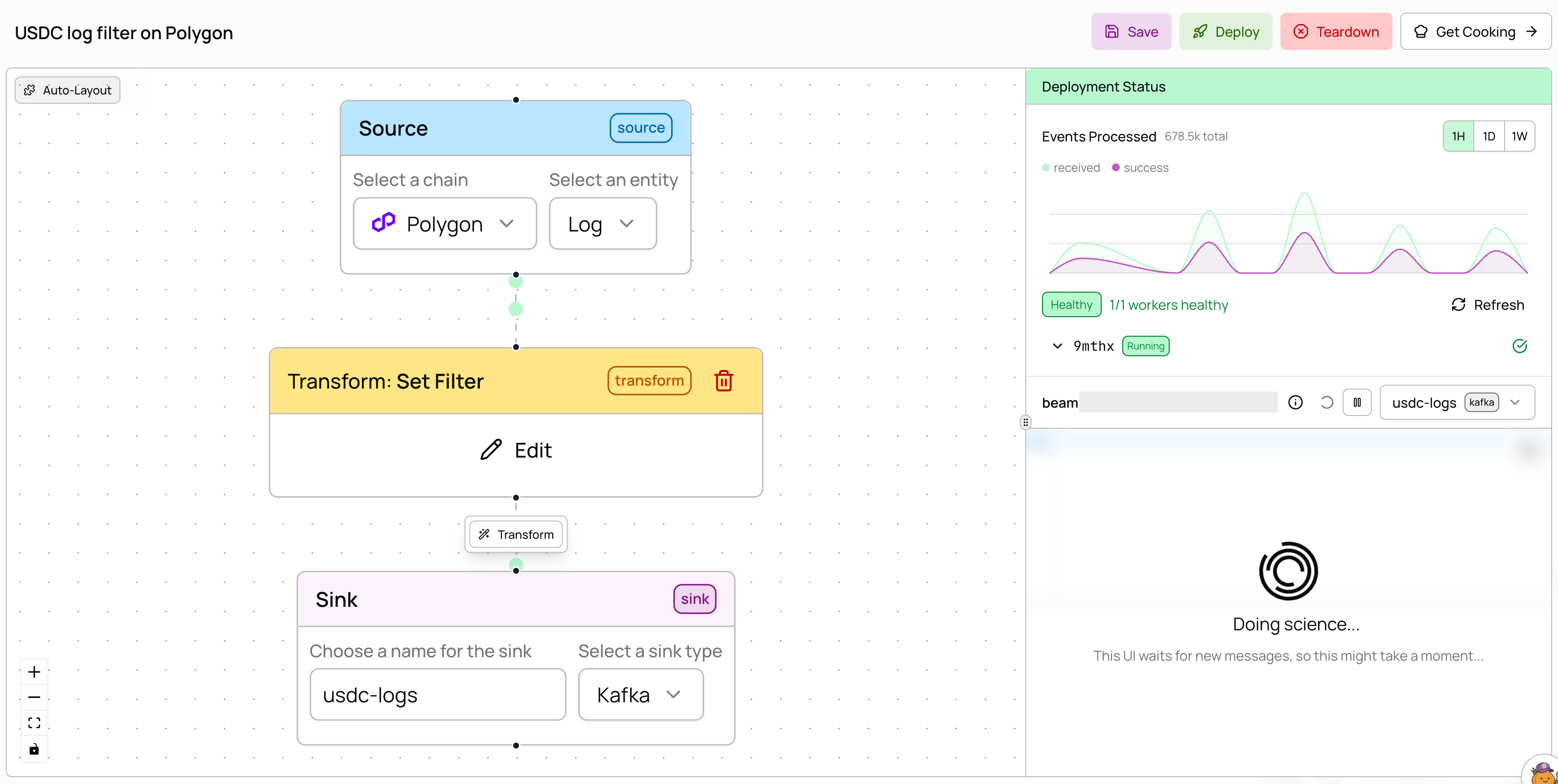
filter_expr: "root = this.address" to match the address field (the contract that emitted the log). After creating this pipeline, add the USDC contract address (0x3c499c542cef5e3811e1192ce70d8cc03d5c3359) to the filter via the UI or filter values API.
Filter + JavaScript transform
Filter for DEX swap events by topic signature, then enrich with a JavaScript transform.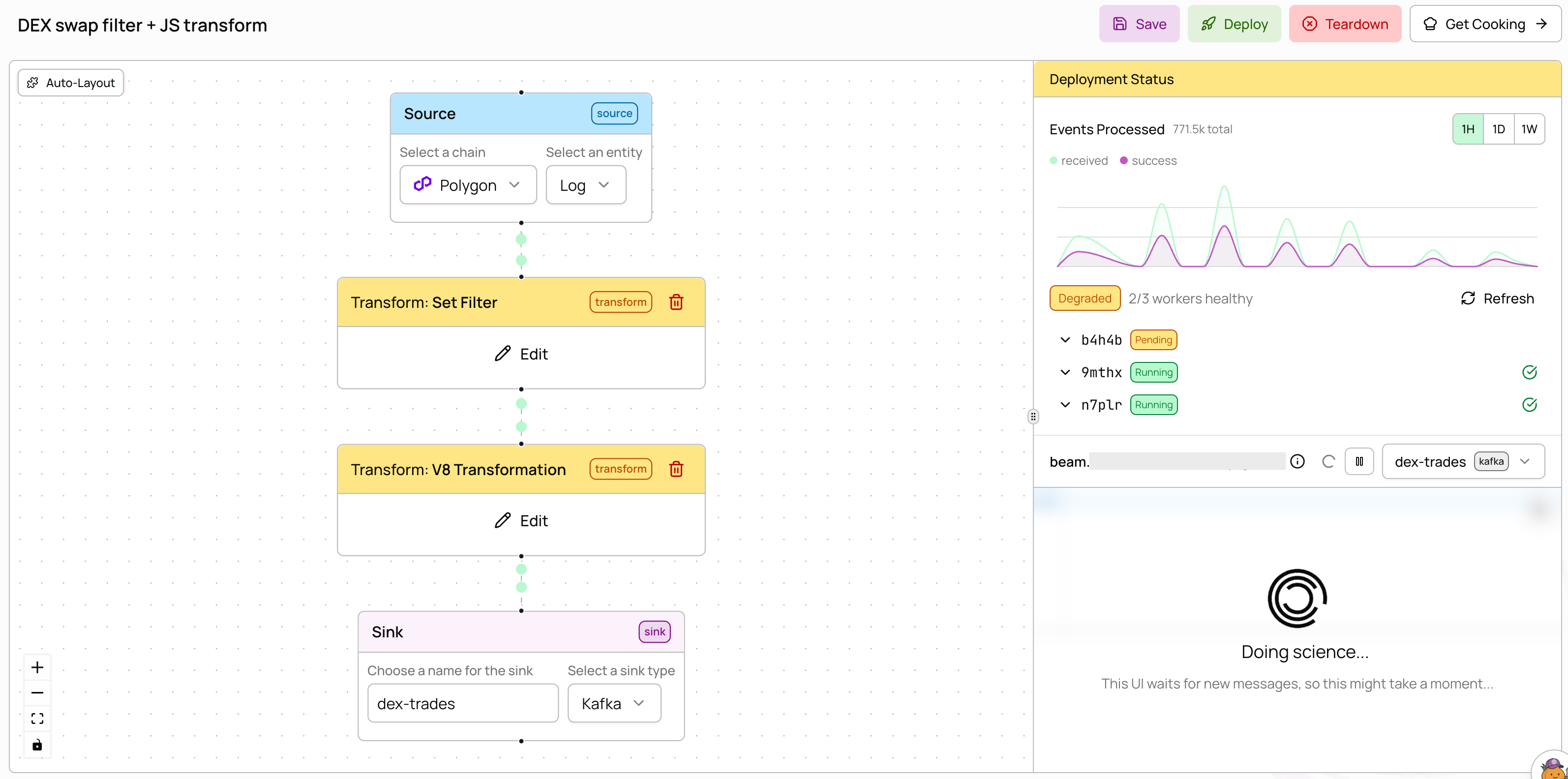
topic0 (the event signature hash). Add the Uniswap V2 swap signature (0xd78ad95fa46c994b6551d0da85fc275fe613ce37657fb8d5e3d130840159d822) to the filter after creation. The v8 transform then enriches each matching record. Transforms are chained — data flows through the filter first, then the JavaScript.
ERC-20 token transfers on Base
Track USDC token transfers on Base using theerc20_token_transfer entity instead of raw logs.
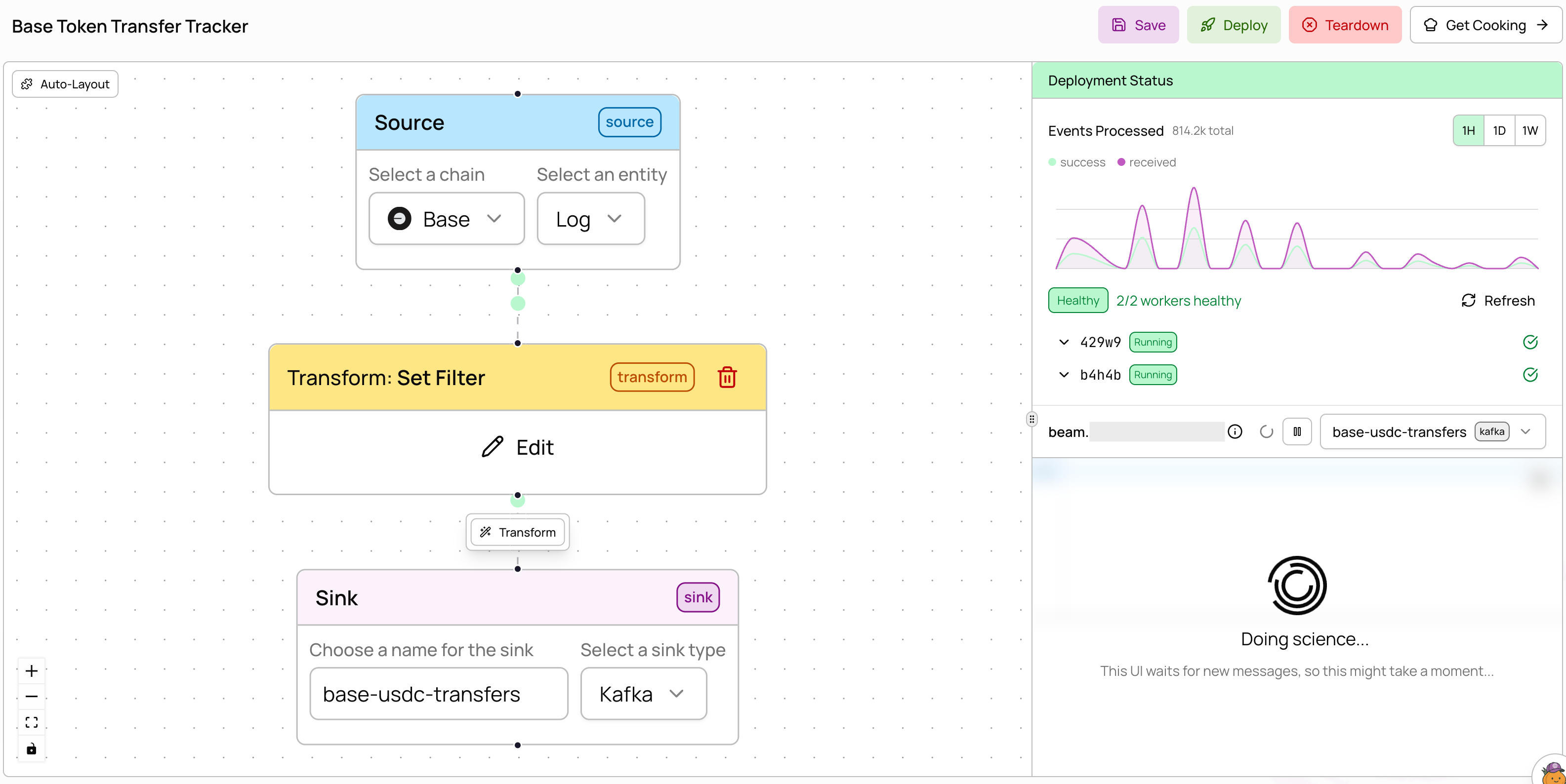
0x833589fcd6edb6e08f4c7c32d4f71b54bda02913) to the filter after creation. The erc20_token_transfer entity provides pre-parsed transfer data (from, to, amount) so you don’t need to decode raw logs yourself.
Multiple contract addresses
Monitor USDC and USDT on Polygon in a single pipeline by adding multiple addresses to the filter.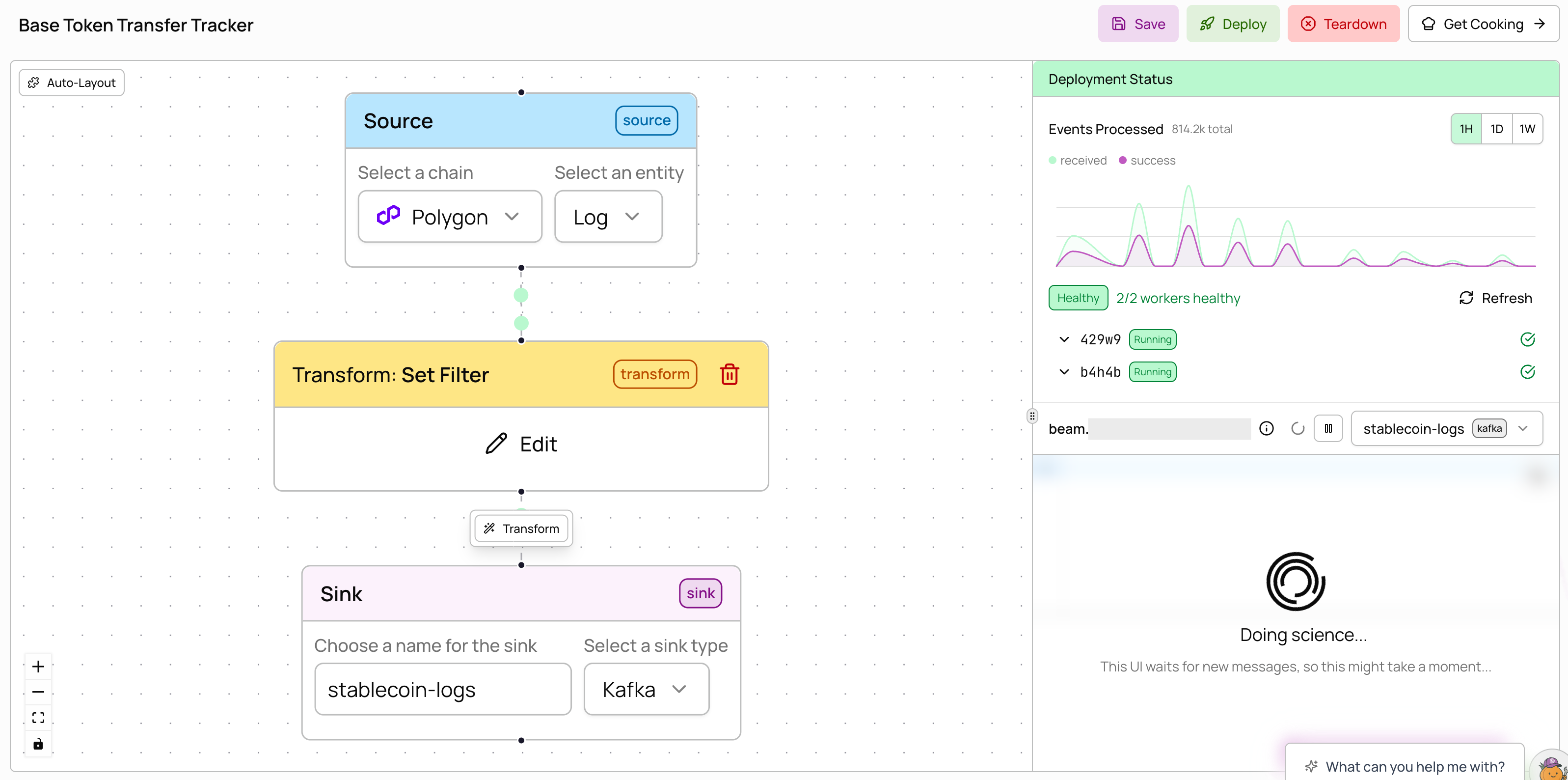
0x3c499c542cef5e3811e1192ce70d8cc03d5c3359 for USDC and 0xc2132d05d31c914a87c6611c10748aeb04b58e8f for USDT). All values are matched with OR logic — a record passes if its field matches any value in the set. Filters support 10M+ values, so you can include massive wallet sets for lookups.
External Kafka sink
Deliver processed data to your own Kafka cluster using organization secrets for authentication.external_kafka sink, create the username and password secrets in Settings → Secrets. See the configuration reference for all available fields.